OFX for DaVinci Resolve

The whole film.
Not just the color.

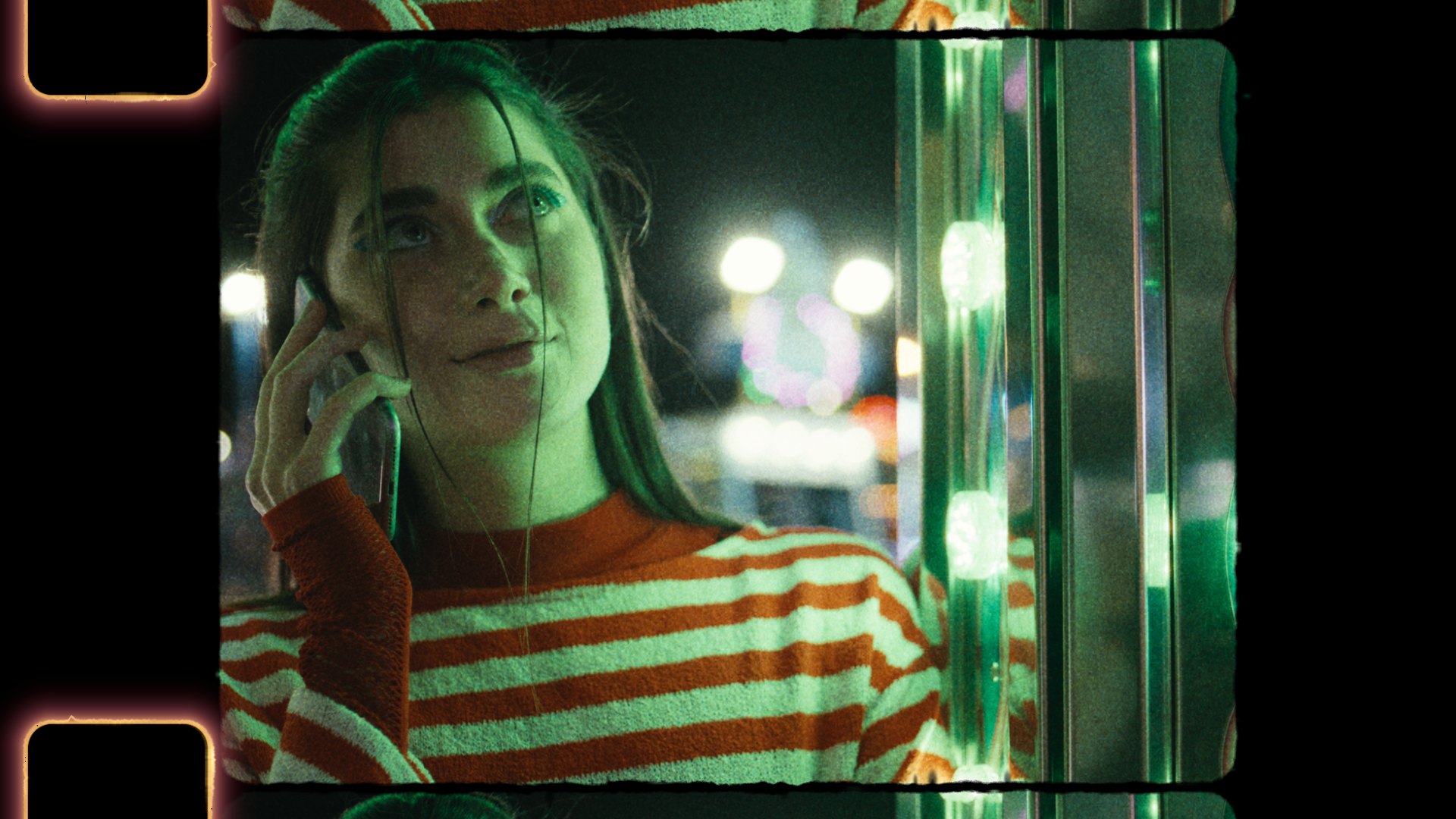
Perforations with living light, the film gate, edge codes and every gauge from 8 to 70 mm, with geometry taken from the standards. And everything is adjustable: color, intensity, size, flicker, speed, texture. In a single node.

35 mm 4-perf · plugin defaults
Get the free demo Buy

The demo is the full plugin, with a watermark.

Most film looks stop at color. Sprocket handles the rest: the perforation that lets light through, the dirty edge of the gate, the line between frames, the gentle weave of film in the projector.

Who it is for

For anyone after the real film look.

Colorists

Finish the look in the last node.

The color is already yours. Sprocket adds the medium: perforations, gate and light, on top of your grade, without touching it.

Editors

No overlays, no PNGs.

No more dragging a film-strip video over your timeline. The perforations are computed per pixel at your project resolution, and never repeat the same way.

Digital shooters

One gauge per project.

Pick 16 mm, Super 16, 35 mm or Super 8 and the plugin builds that film: number and position of the perforations, gate and frame line.

Before and after

The same frame, on film.

My own grades, run through the plugin, untouched. Drag to compare.
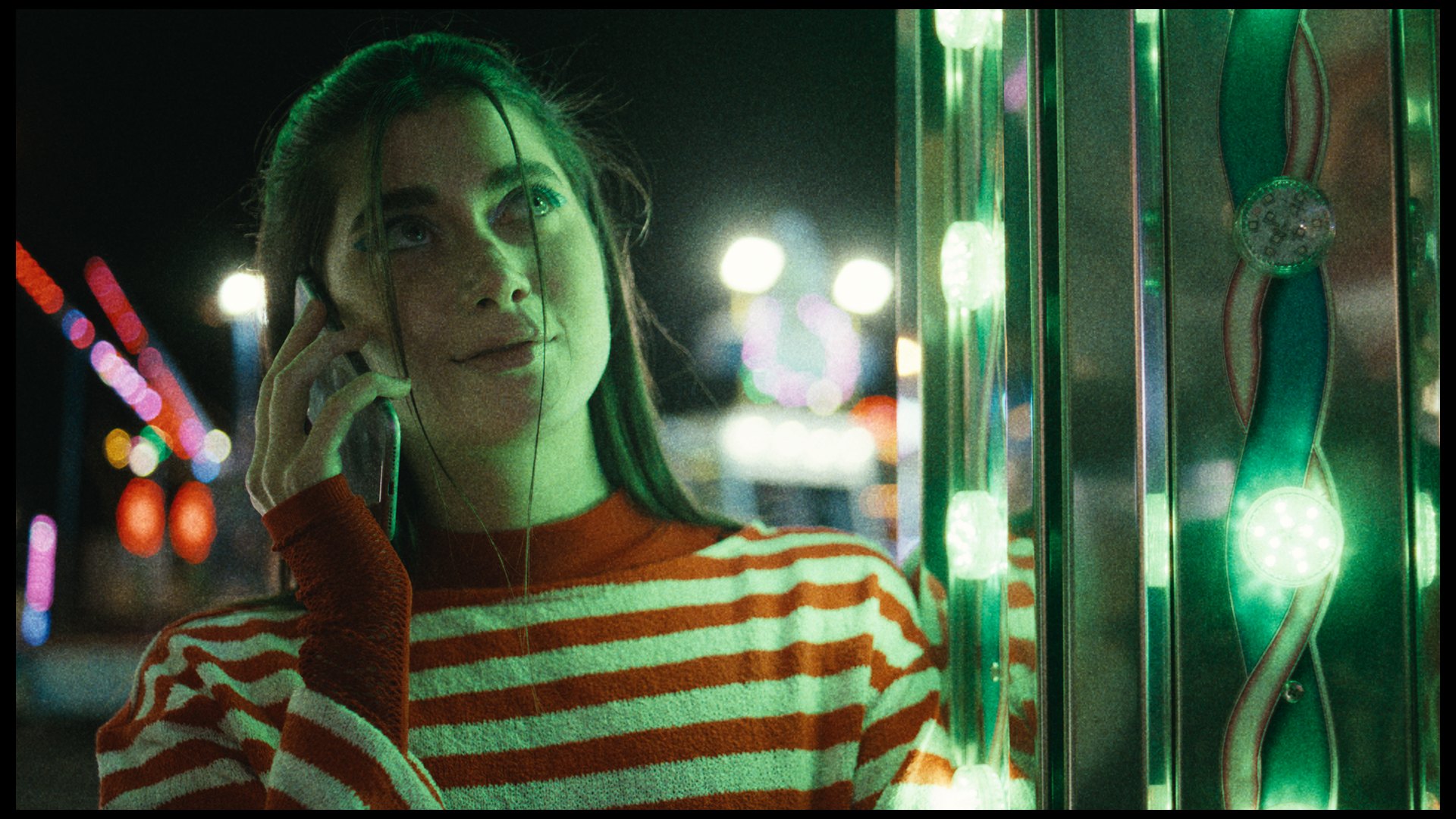
Before: the graded still, without the plugin After: the same still with Luiz Sprocket Without the pluginSprocket

The grain in these images is not from the plugin: it comes from my grade. Film grain may come to Sprocket in a future update.
The plugin, control by control

Play with it like you are in Resolve.

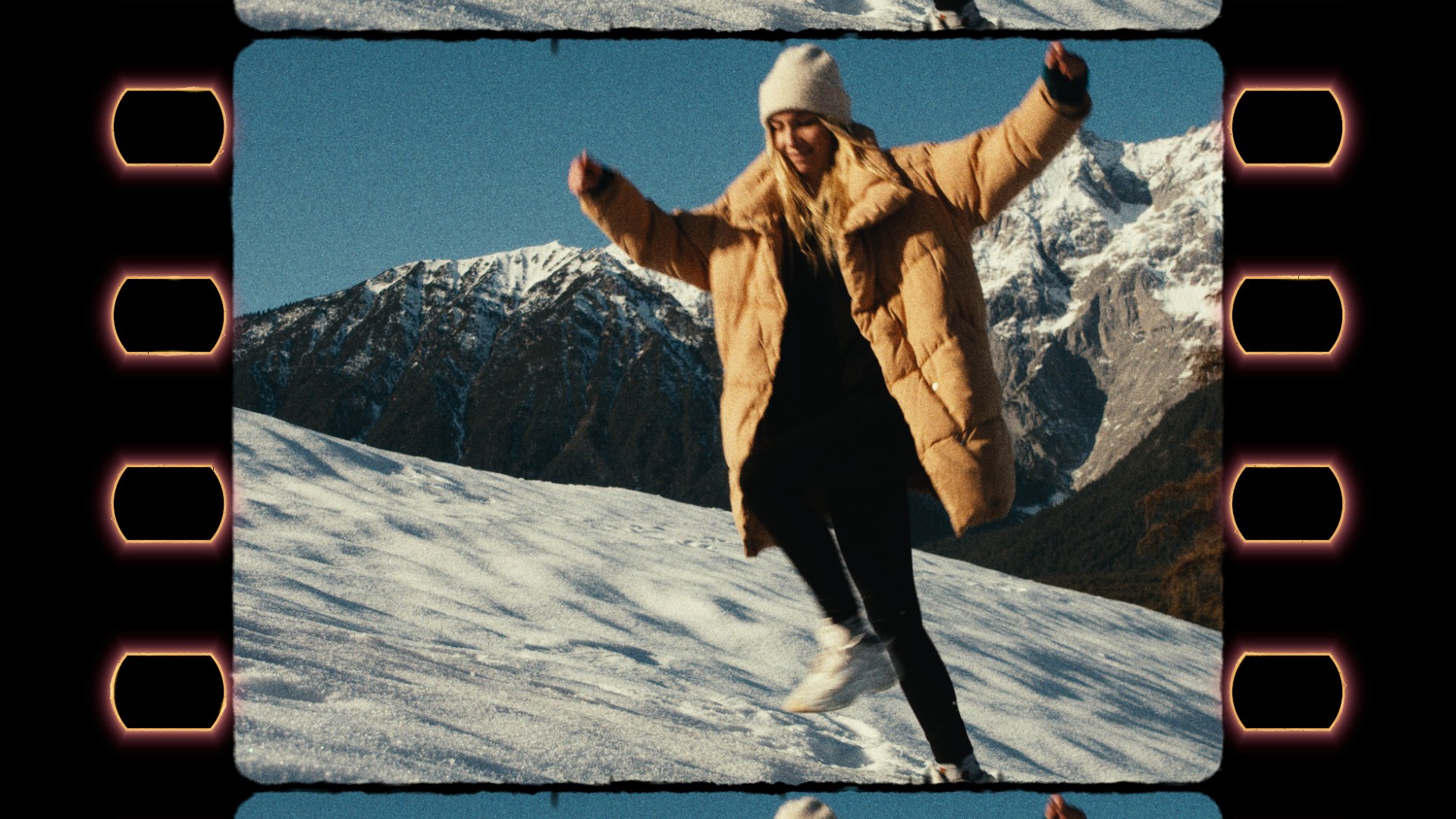
Pick a control and watch the image change. Next to it, the plugin panel with every control and the values behind each frame.

These are only some of the effects. The plugin does much more, and the effects are exaggerated here so you can see them on screen. Everything is adjustable: intensity, size, color, flicker, speed and the rest of the 149 controls. The grain you see comes from the grade, not the plugin.

Loading video…

Up close, in 4K

Every effect, up close.

Crops from a 4K render, with the effects pushed so you can see them. Each one lists the controls that changed. All of it is adjustable: intensity, size, color, flicker, speed, position.

Effects exaggerated on purpose, so you can see them. In your project each one goes from subtle to strong, and there are many more than these.

Inside the plugin

Everything film does at the edge.

Light in the perforations

Light leaks around every perforation and changes each frame, like a real scan. Each hole gets its own randomness: nothing mirrored, nothing repeated.

Film gate

Dirty edges, worn corners, hairs and the frame line. Many gate styles, from clean 16 mm to a dirty projection gate.

Edge codes

The markings printed on the film edge, with numbers that advance frame by frame.

Gate weave

The subtle sway of film through the gate, applied only to the perforations, without shaking your image.

Film base

The color of the film base around the image, with exposure in EV, and the inside of the holes dark or backlit.

Color spaces

Works in Rec.709, DaVinci Wide Gamut, LogC3 and LogC4. The gate darkens in linear light, like real light.

Measured, not invented

The geometry comes from the standards.

Perforation size, pitch and position on the film come from SMPTE standards and Kodak data sheets. The light was calibrated on real scans.

SMPTE

Hole, pitch and row of every format in millimetres, checked by render against the standard in every test case.

1 to 3 frames

How long each light leak lasts in the reference scans. The plugin follows that rhythm instead of flickering at random.

Super 8

The amber ring around the hole was fitted to a real Super 8 close-up, color by color.

Custom mode, my own look, uses a larger-than-real hole and a hand-drawn gate, because sometimes style matters more than measurement. When measurement matters, the format modes follow the standard.

Free demo

Try it on your footage.

The demo is the full plugin, with every control. The only difference is the SPROCKET DEMO watermark on the image.

The download link arrives in your inbox. Windows only, for now.

License

One license. Forever.

Buy

  • Perpetual license, no subscription
  • Activation on 1 computer
  • Free updates
  • Windows (for now)

Secure payment through Stripe. Your license key arrives by email.

Requirements

What you need.

Software
DaVinci Resolve, free or Studio.
System
Windows 10 or 11, 64-bit, for now.
Graphics
With an NVIDIA card the plugin runs on the GPU (CUDA). Without one it runs on the CPU, with the same image.
Where
Effects, on the Color page, like any OFX. One node is enough.
Resolution
Any. The perforations are computed per pixel, so 4K is as sharp as HD.
Formats
16 formats: Super 8 (and Extended Gate), Regular 8, Pathé 9.5 mm, 16 mm, Super 16, 35 mm (4, 3 and 2-perf, Academy and anamorphic), VistaVision 8-perf, 65 mm, 70 mm and IMAX 15/65.

FAQ

Good to know.

Is the license perpetual?

Yes. You pay once and use it forever, no subscription, no monthly fee.

How many computers can I use it on?

One license activates 1 computer. If you change machines, you move the activation to the new one.

Are updates paid?

No. Every Luiz Sprocket update is free for license holders.

What is different in the demo?

Nothing in the controls: it is the full plugin. The only difference is the "SPROCKET DEMO" watermark on the image. When you buy, the key removes it.

Does it work in the free version of Resolve?

Yes. Luiz Sprocket runs in both DaVinci Resolve (free) and Studio.

Do I need an NVIDIA card?

No. With NVIDIA the plugin uses the GPU and is faster; without it, it runs on the CPU and the image is exactly the same.

Does the plugin add grain?

Not yet. The grain in the images on this page comes from my grade. Film grain may come in a future update, free for license holders.

Does it work on Mac?

Not yet: Luiz Sprocket is Windows only for now. A Mac version is on the way.